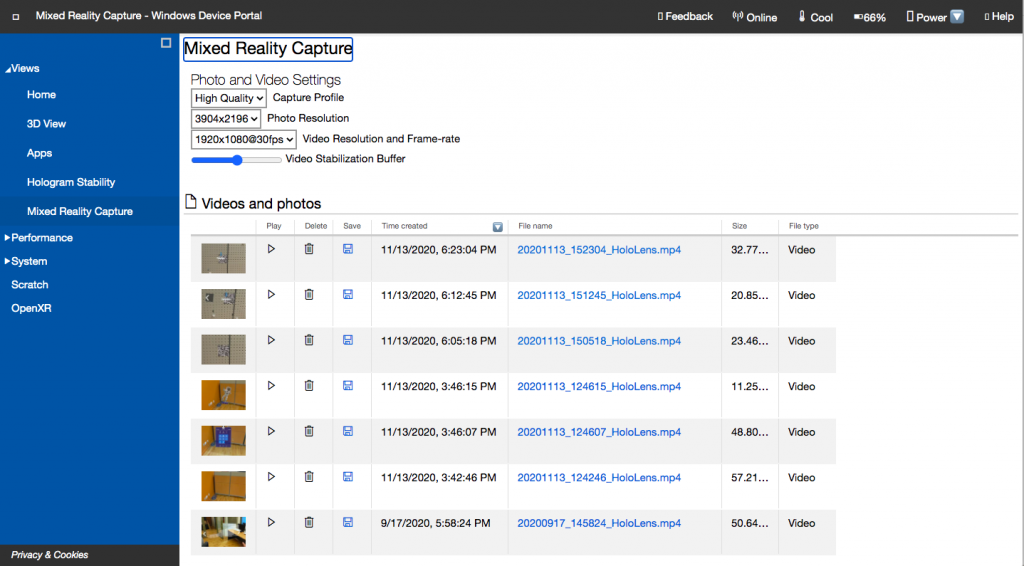
How to recuperate files from Device Portal
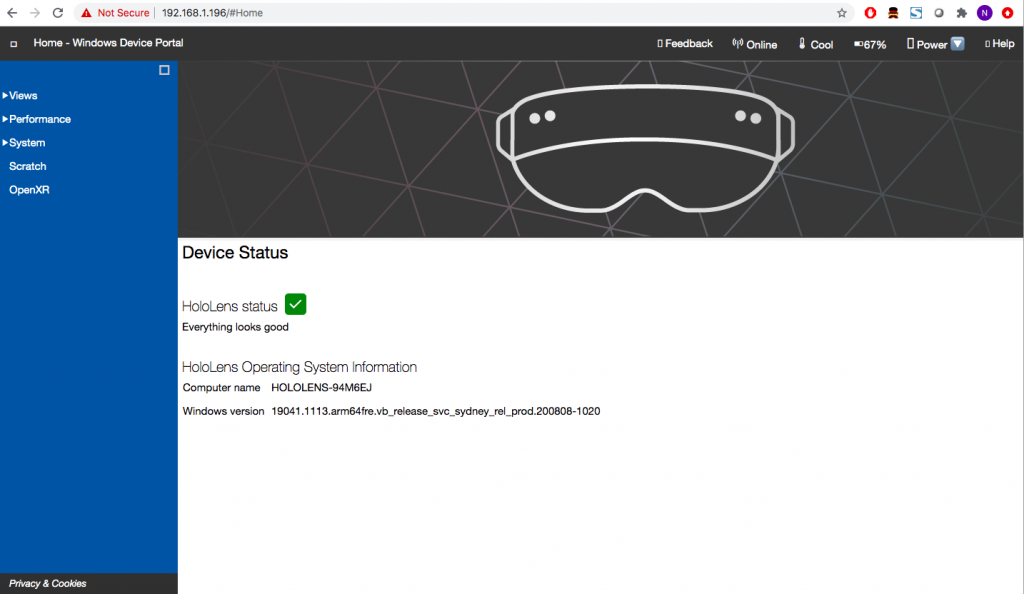
- While Hololens is turned on, open a browser and enter the device’s IP address. You will need to input your username and password to securely enter the Device Portal. You can follow this quick guide to know how to retrieve your IP address.
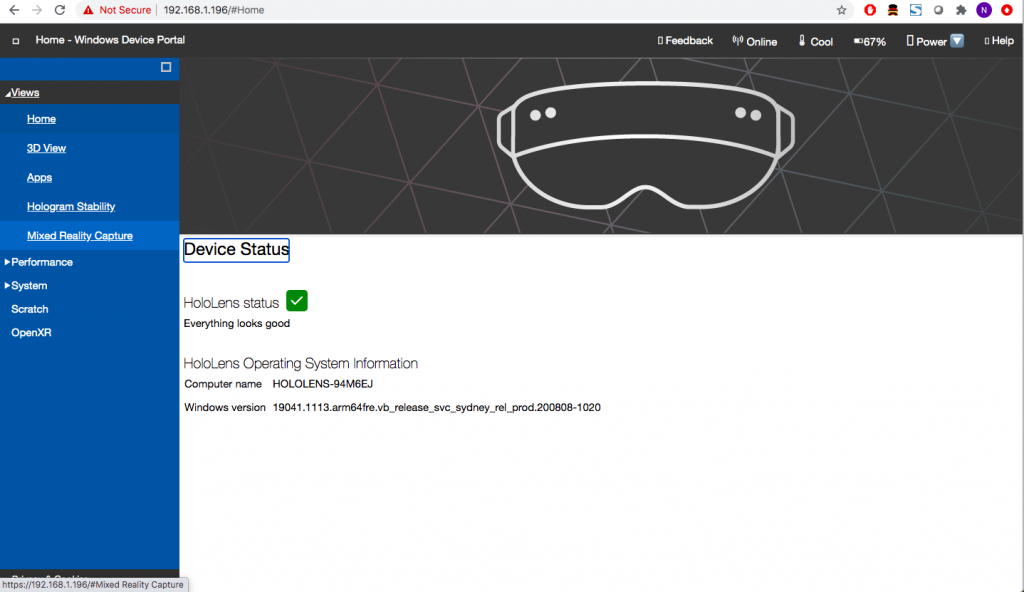
- On the left side menu, select “Views” and then click on “Mixed Reality Capture”
- Scroll to the bottom of the page. Your video recording as well as pictures are all saved here. You can download the desired ones by clicking on their file name.